When you explore an ai code writer, you quickly notice that not all tools behave the same way. Some feel like a helpful coding buddy, while others act more like full project assistants. The trick is not finding the “best” tool, but choosing the right one for your specific use case. Think of it like choosing a kitchen appliance. You would not use a blender to bake a cake, right? The same idea applies here.
You should start by asking what you want to achieve. Are you writing quick snippets, building full apps, or just learning? Once you know that, the right tool becomes much easier to spot. Let’s break down the top tools based on how you might actually use them in real life.
Best AI Code Writer Tools for Everyday Coding Support
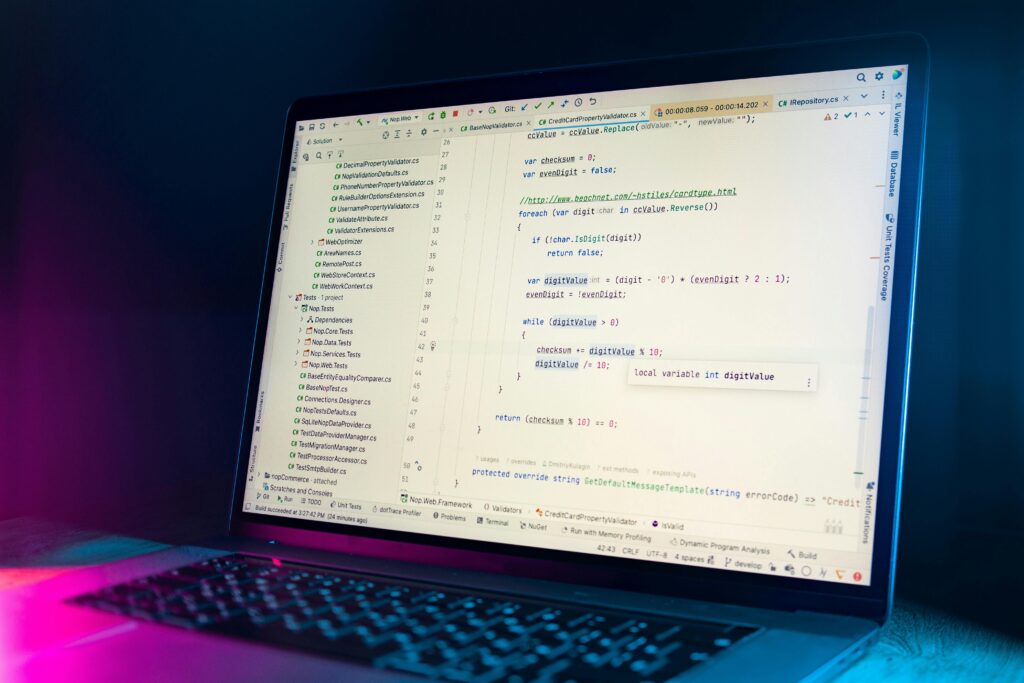
If you code regularly, you will love tools that sit right inside your editor and help you instantly. This is where options like GitHub Copilot and Tabnine shine. These tools work quietly in the background and suggest code while you type.
You will notice that these tools feel natural because they blend into your workflow. You do not need to switch tabs or copy and paste code constantly. Instead, you just type, and the ai code writer predicts what you need next. This can save you hours over time.
However, you should not blindly accept every suggestion. Sometimes the generated code looks correct but may not fit your exact logic. Think of it as autocomplete on your phone. It helps a lot, but you still need to double-check before hitting send.
These tools work best when you already understand coding basics. They are like a productivity booster rather than a teacher. If you are writing functions, fixing bugs, or speeding up repetitive work, this category is perfect for you.
Best AI Code Writer Tools for Building Full Projects
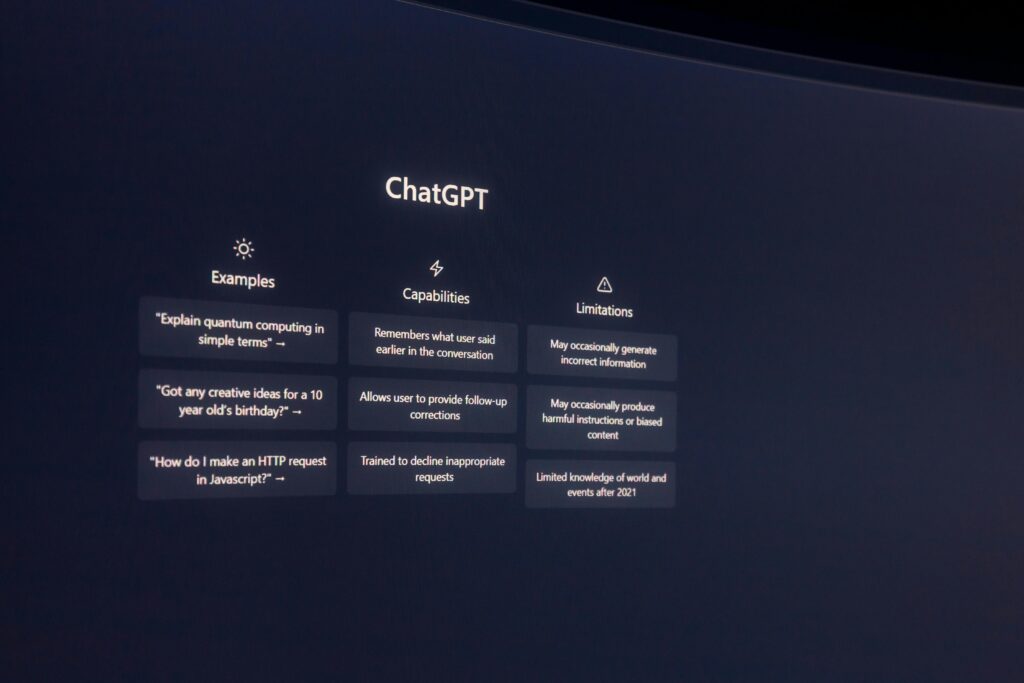
If your goal is to build something bigger, like a web app or a tool, you might need a more powerful ai code writer. Tools like Replit Ghostwriter and ChatGPT are great for this.
These tools allow you to describe what you want in plain language. For example, you can say, “Create a login page with validation,” and get a working starting point. This feels almost like having a developer partner who never gets tired.
You will also find that these tools are great for brainstorming. If you feel stuck, you can ask for ideas, improvements, or even alternative approaches. This makes them ideal for creative and experimental projects.
Still, you should remember that bigger outputs need more review. Generated code may work, but it might not always be optimized or secure. You should always test your project and refine the results step by step.
If you enjoy building things quickly and testing ideas, this category will feel exciting and empowering.
Best AI Code Writer Tools for Learning and Practice
If you are still learning to code, you need an ai code writer that explains things clearly. Tools like Codeium and Amazon CodeWhisperer can help you understand code, not just generate it.
You can ask questions like, “Why does this loop work?” or “Explain this function in simple terms.” This turns your tool into a personal tutor that is always available. That is a huge advantage when you are learning at your own pace.
You will also benefit from seeing multiple ways to solve the same problem. This helps you think like a developer instead of just copying solutions. Over time, you will notice that your confidence grows.
However, you should avoid relying too much on generated answers. Try to solve problems yourself first, then use the tool to check your thinking. This approach builds real skills instead of shortcuts.
If your goal is growth and understanding, these tools will support you in a meaningful way.
Best AI Code Writer Tools for Automation and Advanced Tasks
Sometimes, you need more than just writing code. You might want to automate workflows, generate scripts, or handle complex systems. In these cases, tools like OpenAI Codex and Sourcegraph Cody can be very helpful.
These tools are designed for deeper tasks and larger projects. You can analyze entire codebases, refactor code, or generate scripts for automation. This makes them useful for experienced developers and teams.
You will notice that these tools require clearer instructions. The more specific you are, the better the results you get. It is a bit like giving directions to a new team member. Clear input leads to better output.
At this level, you should also pay attention to security and performance. Automated code can introduce risks if not reviewed carefully. Always test and validate before using it in production.
If you enjoy solving complex problems or working on large systems, this category offers powerful capabilities.
Here you can find the top 10 powefull ai tools for coding
Free vs Paid AI Code Writer: What’s Worth It?
When you start exploring any ai code writer, you will quickly face one big question. Should you stick with free tools or pay for premium features? The answer is not always obvious, and it depends on how you plan to use it.
You might feel tempted to go straight for a paid plan because it sounds more powerful. That makes sense, but free tools today are surprisingly capable. In fact, many developers and beginners rely on free options every day.
Think of it like streaming services. You can enjoy a lot with a free plan, but premium gives you extra comfort. The real question is whether those extras actually matter for your needs.
What You Really Get with Free AI Code WriterTools
Free ai code writer tools are a great place to start, especially if you are still learning. You can write code, get suggestions, and even debug small issues without paying anything. That is already a huge win.
You will notice that free tools usually come with some limits. These can include slower responses, fewer daily requests, or restricted features. While this may sound annoying, it is often manageable for casual use.
If you are practicing coding or building small projects, free plans often feel more than enough. You can test ideas, learn new concepts, and explore different workflows at your own pace.
However, you should be aware of occasional hiccups. Sometimes responses may be less detailed or slightly off-target. That is normal because free versions often use lighter models or fewer resources.
Still, for beginners or hobbyists, free tools offer incredible value. You get a taste of what an ai code writer can do without any risk.
What Paid Plans AI Code Writer Bring to the Table
When you upgrade to a paid ai code writer, you unlock a smoother and more powerful experience. You usually get faster responses, better accuracy, and access to advanced features.
One major benefit is consistency. Paid tools tend to deliver more reliable outputs, which is important when you work on serious projects. You do not want to fix the same mistakes repeatedly.
You will also gain access to larger context windows. This means the tool can understand more of your code at once. That is especially helpful when working on bigger applications.
Another advantage is priority access. You will not have to deal with slowdowns during peak hours. This can save you time and frustration when deadlines are close.
If you code professionally or work on complex tasks, these improvements can make a big difference. The paid version often feels like a true assistant rather than just a helper.
When Free AI Code Writer Is More Than Enough
There are many situations where a free ai code writer is exactly what you need. If you are learning, experimenting, or working on side projects, you probably do not need premium features.
You can write scripts, test functions, and explore ideas without feeling limited. For many users, this level of access already covers most daily needs.
It is also a great way to build confidence. You can learn how to prompt the tool effectively and understand its strengths. Once you get comfortable, you can decide if upgrading makes sense.
Another advantage is flexibility. You can try multiple free tools instead of committing to one paid option. This helps you discover what style works best for you.
If your usage is light or occasional, staying free is a smart and practical choice.
When Paying AI Code Writer Actually Makes Sense
At some point, you might notice that free tools slow you down. Maybe you hit usage limits, or the responses are not detailed enough. This is usually a sign that it is time to consider upgrading.
If you rely on an ai code writer for work, investing in a paid plan can boost your productivity. You will spend less time fixing errors and more time building useful things.
Paid tools are also helpful when you handle larger projects. They can process more complex instructions and provide better structured code. This can save you hours of manual effort.
You should also consider the value of your time. If a paid plan helps you finish tasks faster, it may easily pay for itself.
Think of it like upgrading your workspace. A better setup makes everything smoother and more enjoyable.
How to Decide What’s Worth It for You
Choosing between free and paid options does not have to be complicated. You just need to look at your habits and goals.
Start by using a free ai code writer and pay attention to your experience. Are you hitting limits often? Do you need more advanced features? If the answer is yes, upgrading might help.
If everything feels smooth and you are getting what you need, there is no rush to pay. Free tools are powerful enough for many users.
You should also test paid plans when trials are available. This gives you a clear idea of what you gain before committing.
In the end, the best choice is the one that supports your workflow without adding stress. Whether free or paid, the right ai code writer should make your coding journey easier and more enjoyable.
Hidden AI Code Writer Features Most Miss
When you start using an ai code writer, you usually focus on the obvious things. You ask it to write code, fix bugs, or explain errors. That is great, but you might be missing some powerful features hiding in plain sight.
These tools are packed with smart capabilities that can make your work easier and faster. The catch is that many users never explore beyond the basics. It is a bit like owning a smartphone and only using it for calls.
Let’s uncover some of those hidden features so you can get more value from your ai code writer.
Smart AI Code Writer Context Awareness You Can Use
One feature many people overlook is context awareness. Your ai code writer can often understand more than just one line of code. It can analyze entire files or even multiple files together.
You can take advantage of this by giving better input. Instead of pasting a single function, try sharing a larger block of code. This helps the tool understand the bigger picture.
For example, if you are debugging an issue, include related functions or variables. You will often get more accurate and helpful suggestions.
You should also try asking follow-up questions. The tool remembers previous inputs and builds on them. This creates a smoother and more natural workflow.
When you use context properly, your ai code writer feels less like a tool and more like a collaborator.
Prompt AI Code Writer Tweaking for Better Results
Another hidden feature is not a button or setting. It is how you write your prompts. Small changes in wording can completely change the output you receive.
Instead of saying, “Write a function,” you can say, “Write a clean and optimized function with comments.” This gives clearer direction and better results.
You can also specify tone, style, or constraints. For example, you might ask for beginner-friendly code or production-ready code. The difference can be huge.
Many users stick to simple prompts and miss this level of control. Think of it like giving instructions to a chef. The more specific you are, the better the dish turns out.
Learning how to guide your ai code writer is one of the most valuable skills you can develop.
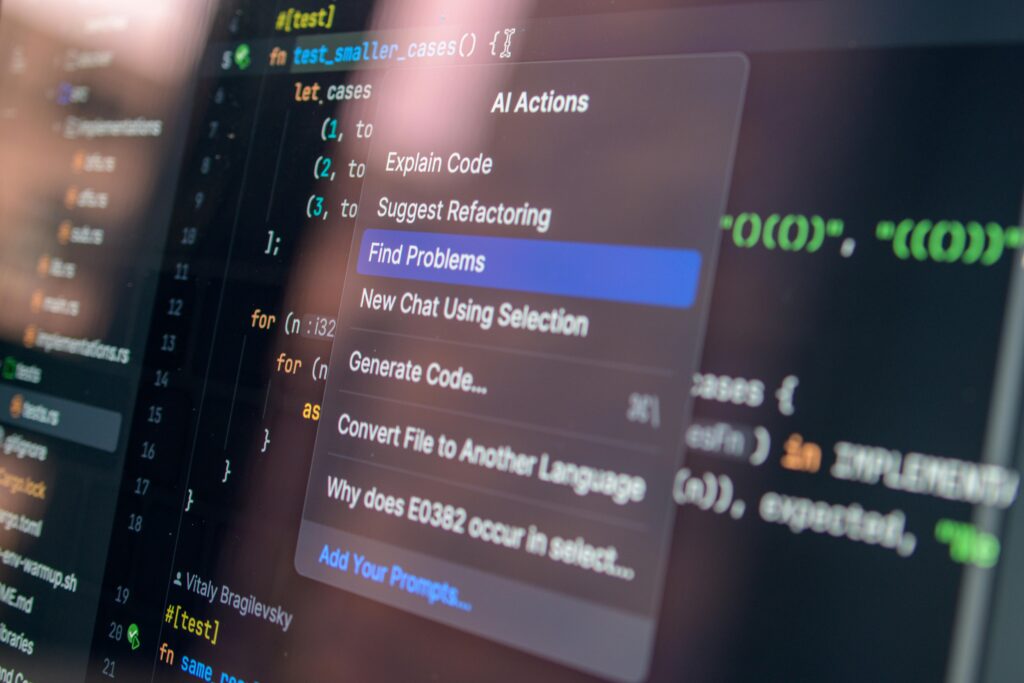
Code Refactoring and Optimization Tricks
Most people use an ai code writer to generate code from scratch. However, one of its strongest features is improving existing code.
You can paste your code and ask for optimization. The tool can suggest cleaner structure, better performance, or improved readability.
This is especially helpful when your code starts to feel messy. Instead of rewriting everything, you can refine it step by step.
You can also ask for different versions of the same code. For example, you might request a shorter version or a more efficient approach.
This feature turns your ai code writer into a powerful editor, not just a generator.
Testing and Debugging Shortcuts
Debugging can take a lot of time, especially when errors are unclear. Many users do not realize that their ai code writer can act as a testing assistant.
You can paste an error message and ask for possible causes. You can also request step-by-step debugging guidance.
Another useful trick is asking the tool to generate test cases. This helps you check if your code works in different scenarios.
You can even simulate edge cases that you might not think of yourself. This makes your code more reliable and robust.
Using these features can save you hours of frustration and guesswork.
Multi-Language and Framework Flexibility
An underrated feature of any ai code writer is its ability to work across different languages and frameworks. You are not limited to just one stack.
You can write code in one language and ask for a translation into another. For example, you might convert Python code into JavaScript.
This is very useful when you are learning new technologies. You can see how the same logic works in different environments.
You can also ask for framework-specific implementations. For instance, you might request a solution using React instead of plain JavaScript.
This flexibility makes your ai code writer a versatile tool for growth and experimentation.
Collaboration Features You Might Overlook
Many ai code writer tools support collaboration features that go unnoticed. These can include shared sessions, comments, or integration with team platforms.
You can use these features to work more effectively with others. For example, you can share generated code and discuss improvements with your team.
Some tools also allow you to document your code automatically. This helps keep your projects organized and easier to understand.
If you work in a team, these features can improve communication and reduce confusion.
Even if you work solo, they can help you stay structured and efficient.
Unlocking the Full Potential AI Code Writer
The real power of an ai code writer comes from how you use it. Many features are not hidden behind menus. They are unlocked through curiosity and experimentation.
You should try new approaches, ask different types of questions, and explore beyond basic commands. This is how you discover what the tool can truly do.
Over time, you will develop your own workflow and shortcuts. Your ai code writer will become faster, smarter, and more useful.
In the end, the difference is not just the tool itself. It is how creatively and effectively you use it .
Choosing the Right AI Code Writer Tool for You
Picking the right ai code writer can feel overwhelming at first. There are many options, and they all promise impressive results. You might wonder which one actually fits your needs.
The good news is that you do not need the “perfect” tool. You just need the one that works best for your workflow. Think of it like choosing a pair of shoes. Comfort and fit matter more than brand.
You should focus on how you plan to use the tool daily. Once you understand that, your choice becomes much clearer.
Start with Your Goals
Before you pick any ai code writer, you should define what you want to achieve. Are you learning to code, building projects, or improving productivity?
If you are a beginner, you need a tool that explains things clearly. You will benefit from simple outputs and helpful guidance. A complex tool might confuse you instead of helping.
If you are an experienced developer, your needs will be different. You might look for speed, accuracy, and advanced features. In that case, a more powerful ai code writer makes sense.
You should also think about the type of projects you handle. Small scripts and large applications require different levels of support.
When your goals are clear, you avoid choosing tools that do not match your needs.
Match Features to Your Workflow
Every ai code writer comes with its own set of features. Some focus on code suggestions, while others handle full project generation.
You should pay attention to how these features fit into your workflow. Do you prefer working inside an editor, or do you like chatting with a tool?
If you spend most of your time coding in an IDE, you may want a tool that integrates directly. This keeps your workflow smooth and uninterrupted.
On the other hand, if you enjoy exploring ideas and asking questions, a conversational tool might suit you better.
You should also check for features like debugging, code explanation, and refactoring. These can make a big difference in your daily tasks.
The goal is to find a tool that feels natural, not forced.
Consider Ease of Use and Learning Curve
A powerful ai code writer is not always the best choice if it feels difficult to use. You should look for a tool that matches your comfort level.
Some tools are very beginner-friendly and guide you step by step. Others assume you already understand coding concepts.
You should ask yourself how much time you want to spend learning the tool itself. If it takes too long, it may slow you down.
Try to find a balance between power and simplicity. A tool should help you, not create extra work.
Most platforms offer free trials or basic plans. You can use these to test how easy the tool feels in real situations.
Think About Budget and Value
Cost is another important factor when choosing an ai code writer. Some tools are free, while others require a monthly subscription.
You should not assume that paid tools are always better. Many free options provide excellent features for everyday use.
However, if you rely on the tool for work, a paid plan might be worth it. You often get faster responses and more reliable outputs.
Think about how often you will use the tool. If it saves you time regularly, the cost may be justified.
It is also smart to compare different plans. Look at what each one offers and decide what you actually need.
Test Before You Commit
One of the best ways to choose the right ai code writer is to test a few options. You do not need to decide immediately.
Try using different tools for the same task. This helps you see how each one performs and feels.
Pay attention to the quality of the code, the speed of responses, and the overall experience. These details matter more than marketing claims.
You should also notice how well the tool understands your instructions. A good ai code writer should respond clearly and accurately.
Testing gives you real insights that you cannot get from reviews alone.
Think About Long-Term Use
It is easy to focus on short-term benefits, but you should also think about the future. Your needs may change as you grow.
Choose an ai code writer that can grow with you. A tool that works for beginners but also supports advanced tasks is a great choice.
You should also consider updates and improvements. Tools that evolve over time will stay useful longer.
Another factor is community and support. A tool with active users and good documentation can make your experience smoother.
Thinking long-term helps you avoid switching tools too often.
Trust Your Experience
At the end of the day, your personal experience matters most. You might read reviews and compare features, but your workflow is unique.
If a tool feels right and helps you work better, that is a strong sign. You should trust that feeling.
Do not worry about choosing what others recommend. Focus on what works for you.
Your ideal ai code writer should make coding easier, faster, and more enjoyable.